Understand Your Computer, Control Your Storage
Find duplicates and forgotten files, and see exactly where your storage went. Everything stays on your computer
Start looking in one click
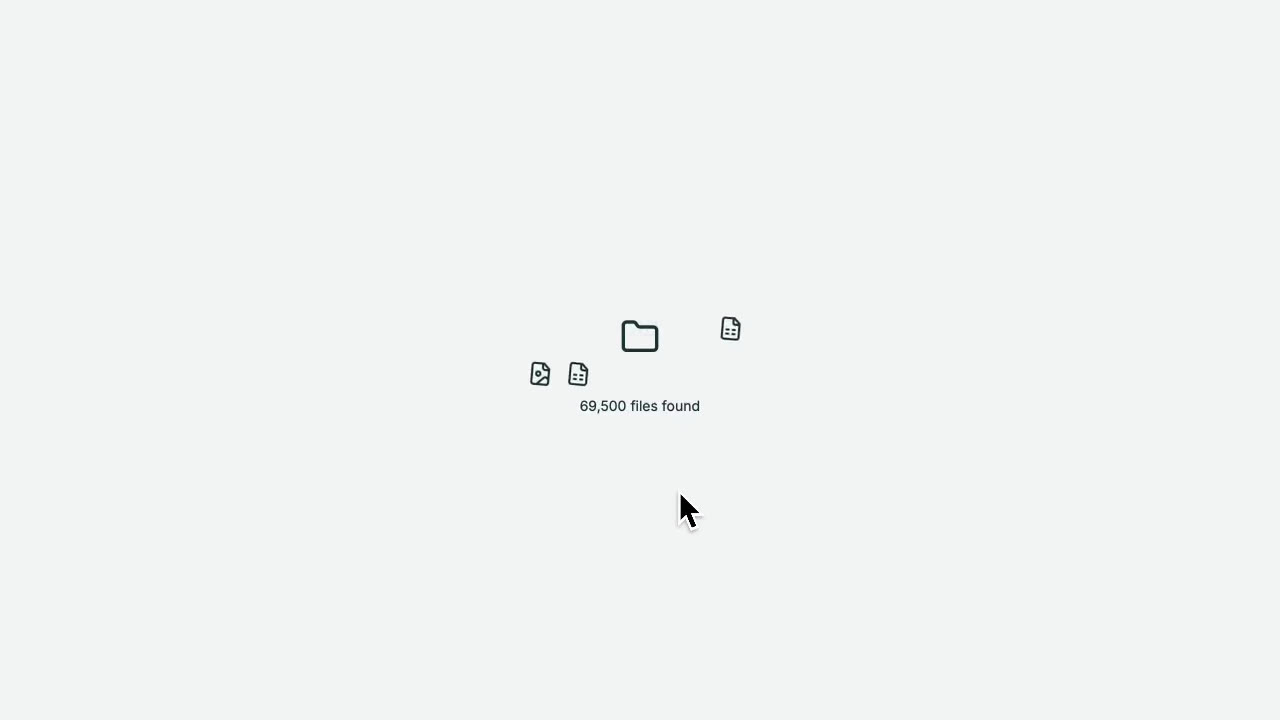
Point DataBurrow at a drive and it looks through everything, noting each file's name, size, type, and date. It only reads those details, never the contents of your files.
- No setup needed
- Your files are read locally, never uploaded
Search and filter everything
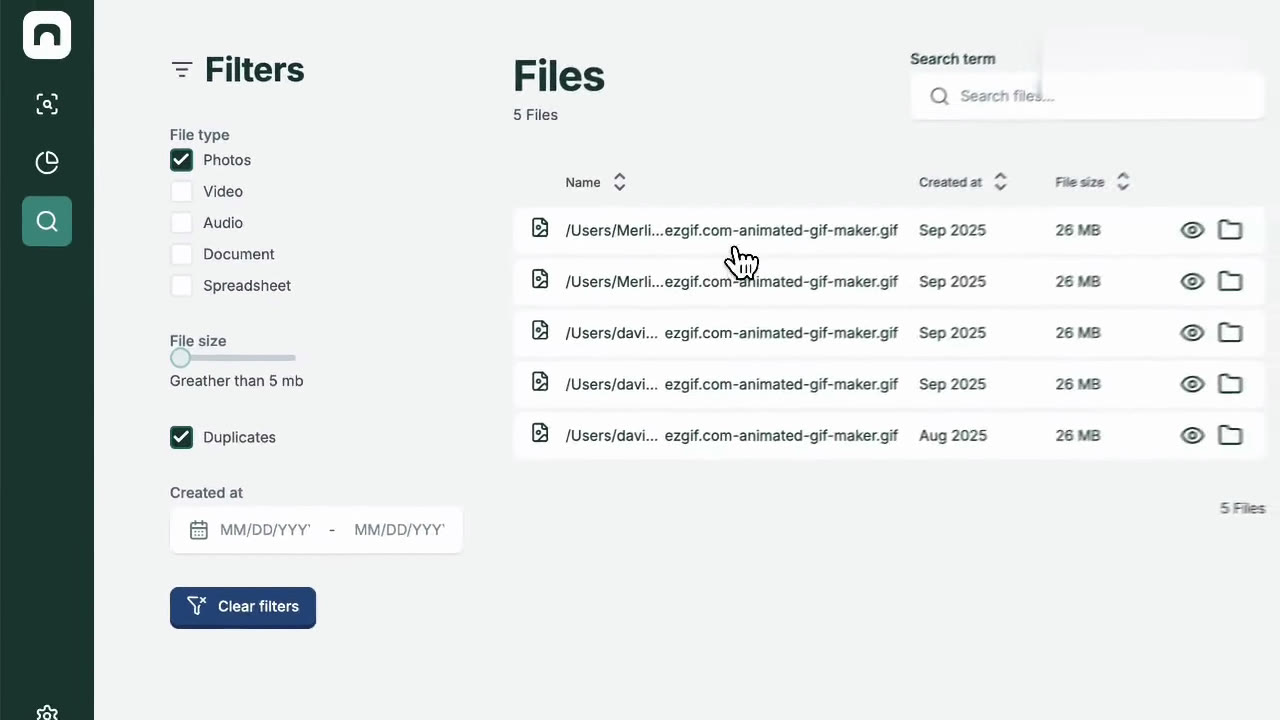
Every file DataBurrow has cataloged becomes instantly searchable and filterable, by name, type, size, or date, so you can find what you're looking for in seconds.
- Results come back in well under a second
- Your files are read locally, never uploaded
Spot duplicates and old files
The dashboard shows what is taking up space, which folders are biggest, and which files are exact files or haven't been opened in years.
- Finds true copies, not just similar names
- See where your space actually went
What We Stand For
Five principles that guide every decision we make
Privacy-First
All scanning and analysis happens locally. Your files never leave your computer, no cloud, no uploads, ever.
Accessibility-First
WCAG 2.1 AA compliant from day one. Full keyboard navigation and screen reader support, not an afterthought.
Trust & User Control
DataBurrow suggests, you decide. Nothing is ever moved or deleted without your explicit confirmation.
Transparency
Clear pricing, honest limitations, and no hidden settings. You always know what the app is doing and why.
Traceability
Every suggestion comes with a reason. Every action can be explained, reversed, and understood.
Built With Real Users
Feedback from our usability testing sessions
Super nice project! I like the colors, design and usability! Great job.
The program you built is clear and easy to understand, even for older users. It's a handy tool for quickly scanning and finding files.
The features mainly helped me find and delete duplicate files on my PC. It also let me search for lost files using keywords.
With DataBurrow I can quickly find files and handle them as needed. A real strength is that files never disappear by accident. A valuable, easy-to-use program.
Very useful for identifying files that are no longer needed and doing a thorough analysis of your computer's storage. It helped me realize I had files I wasn't using anymore, like old Microsoft Office documents.
Be Part of the Launch
Choose how you'd like to stay in the loop
Get early access, help shape the product with direct feedback, and lock in 20% off when premium launches.